


Microsoft AI-103 Learning Path: A Step-by-Step Guide from Beginner to Certified (2026)

Table of content
- What Is Microsoft AI-103?
- Who Should Follow This AI-103 Learning Path?
- Before You Start: Build the Right Foundation
- Your Beginner-to-Certified AI-103 Learning Roadmap
- Recommended Hands-on Projects
- Suggested 8-Week AI-103 Study Plan
- Exam Preparation Tips
- Final Thoughts
- Continue Your AI-103 Learning Journey
- FAQ
Artificial Intelligence is reshaping software development, cloud computing, and enterprise automation. As organizations increasingly adopt Generative AI, AI agents, and Retrieval-Augmented Generation (RAG), Microsoft has introduced the AI-103: Azure AI Apps and Agents Developer Associate certification to validate the skills required to build production-ready AI applications.
Unlike many certification guides that simply list exam objectives, aspiring candidates often struggle with a more fundamental question:
“Where should I start, and what should I learn first?”
Learning AI-103 can feel overwhelming because the certification covers a wide range of topics, from Generative AI and Microsoft Foundry to AI agents, Computer Vision, and Retrieval-Augmented Generation (RAG). Without a structured roadmap, it’s easy to jump between topics and miss important concepts.
This guide provides a practical, step-by-step AI-103 learning roadmap that takes you from foundational concepts to exam-ready skills, helping you prepare in a structured and confident way.
What Is Microsoft AI-103?
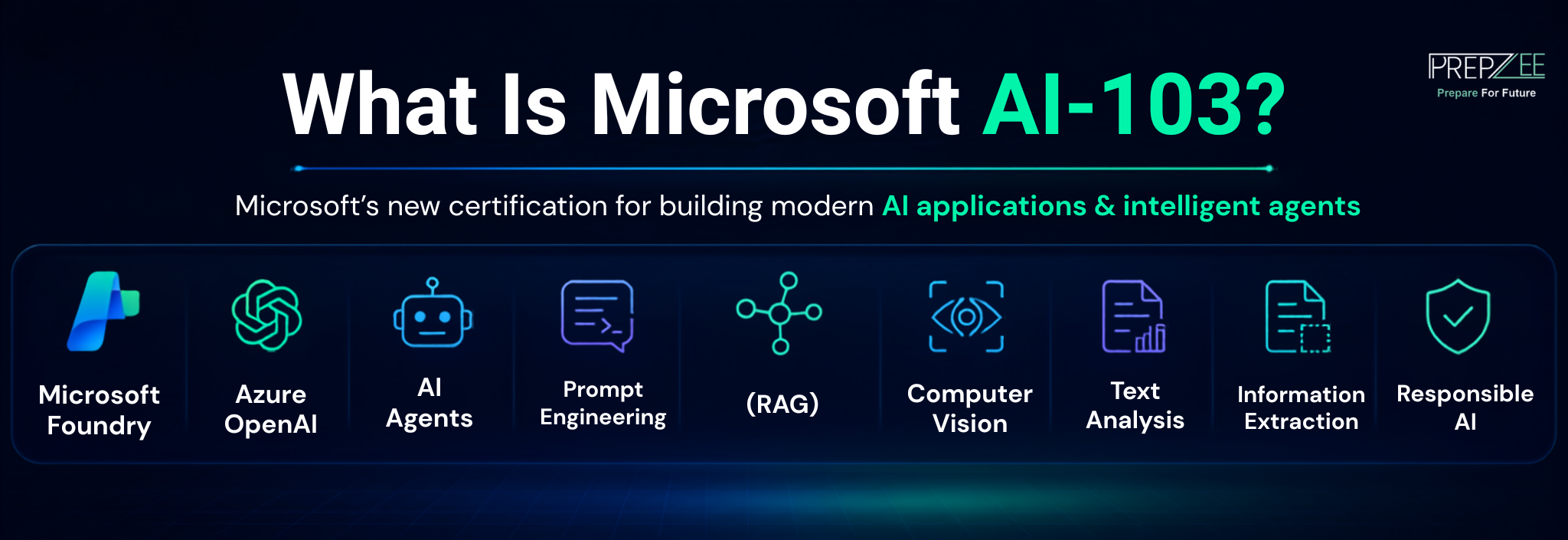
Microsoft AI-103, officially titled Azure AI Apps and Agents Developer Associate, is an associate-level certification for developers who build, deploy, and manage AI-powered applications using Microsoft Azure.
Unlike the retiring AI-102 certification, AI-103 focuses on modern AI development using:
- Microsoft Foundry.
- Azure OpenAI.
- AI Agents.
- Prompt Engineering.
- Retrieval-Augmented Generation (RAG).
- Computer Vision.
- Text Analysis.
- Information Extraction.
- Responsible AI.
Rather than testing isolated Azure AI services, Microsoft evaluates your ability to create end-to-end AI applications capable of solving real business problems. The certification is structured around five key domains, with the greatest emphasis placed on Generative AI and agentic solutions.
Want to understand how AI-103 differs from Microsoft’s previous certification? Read our AI-102 vs AI-103: What’s Changed in Microsoft’s Azure AI Certification? for a detailed comparison of exam objectives, technologies, and career relevance.
Who Should Follow This AI-103 Learning Path?
This roadmap is designed for learners who want a structured approach rather than jumping directly into advanced AI concepts.
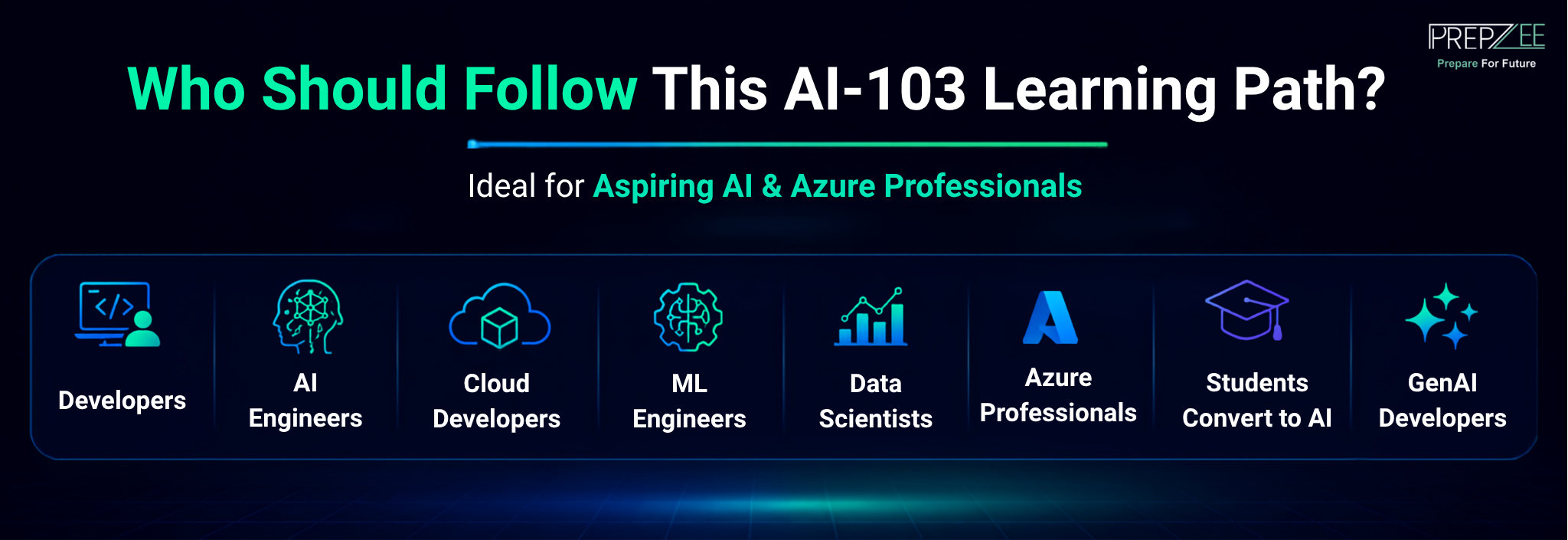
It’s ideal for:
- Software Developers.
- AI Engineers.
- Cloud Developers.
- Machine Learning Engineers.
- Data Scientists.
- Azure Professionals.
- Students transitioning into AI.
- Developers interested in Generative AI applications.
If you’re already familiar with Python and Azure, you’ll progress faster. However, complete beginners can also follow this roadmap by first building the recommended foundational knowledge.
Before You Start: Build the Right Foundation
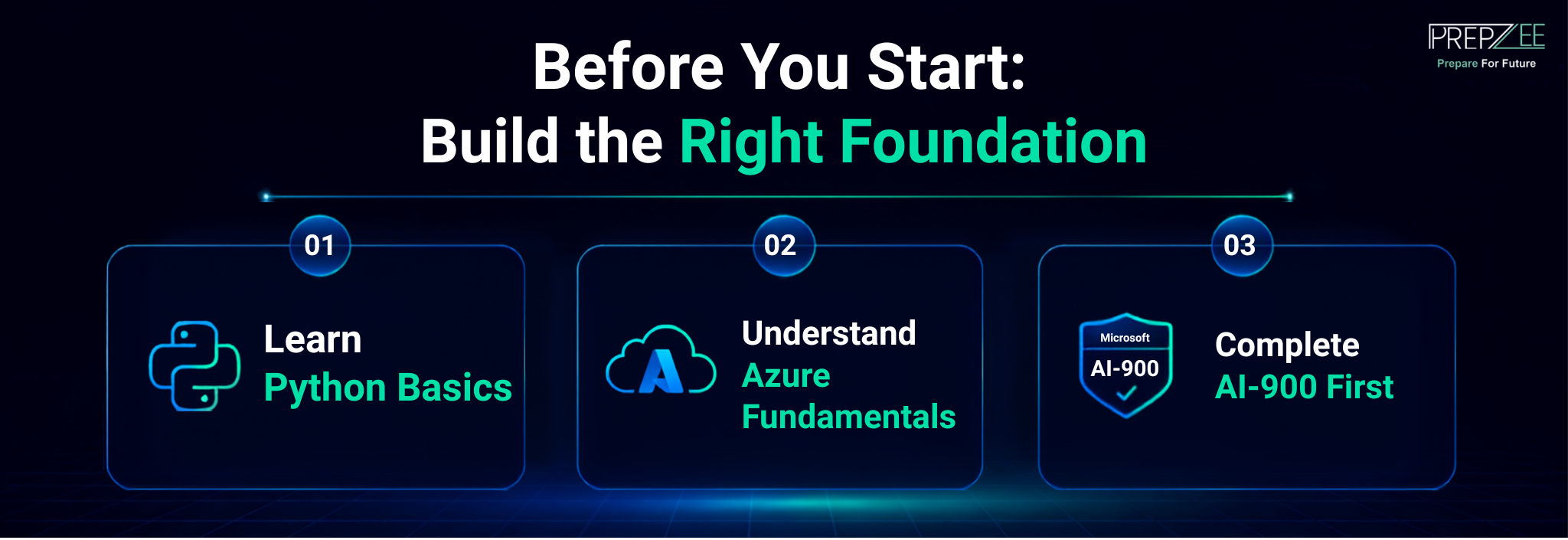
One of the biggest mistakes candidates make is beginning AI-103 preparation without understanding Azure or basic AI concepts.
Before starting AI-103 preparation, it’s important to build a strong foundation in Python, Azure, and basic AI concepts. These prerequisites make it much easier to understand advanced topics like Microsoft Foundry, AI agents, and Retrieval-Augmented Generation (RAG), allowing you to focus on practical implementation rather than learning the basics along the way.
1. Learn Python Basics
Python is the primary language used throughout Microsoft’s AI ecosystem.
You should be comfortable with:
- Variables and data types.
- Functions.
- Loops and conditionals.
- Object-oriented programming.
- Working with APIs.
- Installing packages using pip.
You don’t need to be an expert, but you should be able to build simple Python applications before moving to Azure AI.
2. Understand Azure Fundamentals
If you’re completely new to Azure, spend time learning:
- Azure Resource Groups.
- Storage Accounts.
- Azure Functions.
- Identity and Access Management.
- Azure Portal.
- Azure CLI basics.
These concepts will help you understand how AI services are deployed and managed.
3. Complete AI-900 First (Recommended)
For beginners, Microsoft AI-900 (Azure AI Fundamentals) is an excellent starting point.
It introduces:
- AI concepts.
- Machine Learning basics.
- Computer Vision.
- Natural Language Processing.
- Responsible AI.
- Azure AI Services.
Completing AI-900 makes the transition into AI-103 significantly easier because you’ll already understand Microsoft’s AI terminology and cloud ecosystem.
Your Beginner-to-Certified AI-103 Learning Roadmap
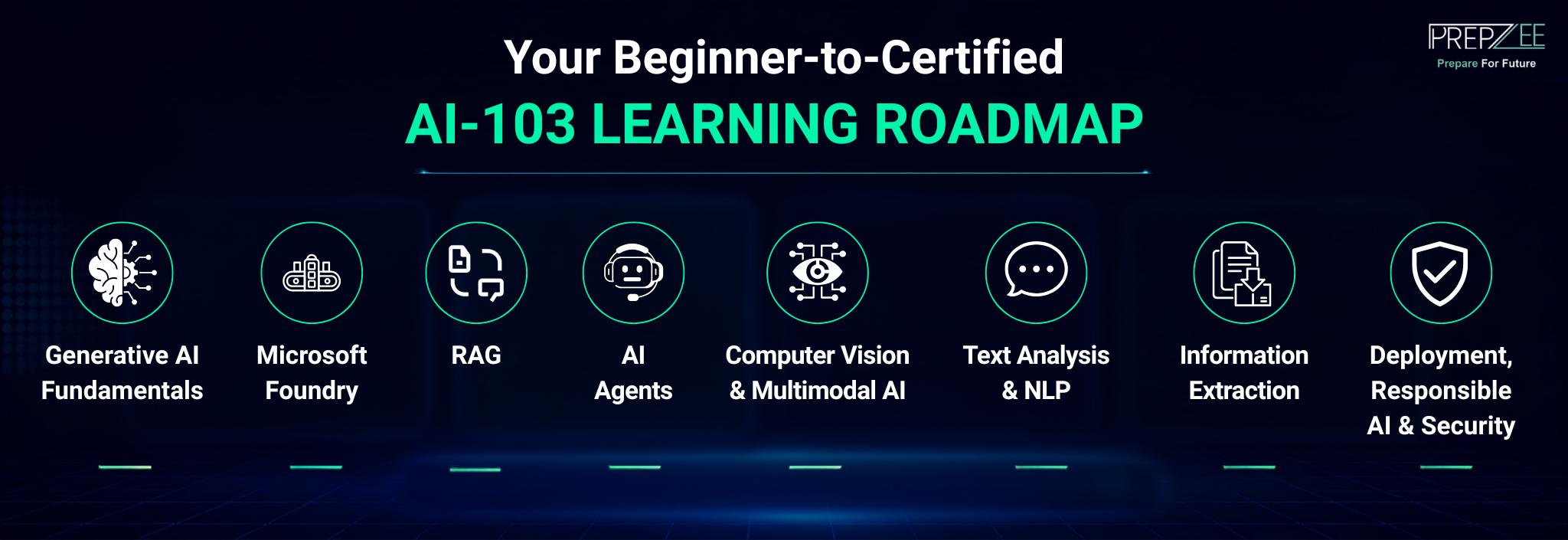
Instead of studying random topics, follow this structured sequence.
Module 1: Learn Generative AI Fundamentals
Start by understanding how modern AI applications work.
Focus on:
- Large Language Models (LLMs).
- Transformers.
- Tokens.
- Prompt Engineering.
- Temperature and Top-P.
- AI hallucinations.
- Responsible AI principles.
At this stage, your goal isn’t to build applications—it’s to understand how Generative AI models generate and process information.
Module 2: Master Microsoft Foundry
Microsoft Foundry is one of the biggest additions to AI-103 and forms the foundation of modern Azure AI application development.
Learn how to:
- Create Foundry projects.
- Deploy AI models.
- Manage environments.
- Configure AI resources.
- Monitor deployments.
- Apply governance and security.
Don’t limit yourself to reading documentation. Create your own Microsoft Foundry projects, deploy models, and explore the platform’s features. Hands-on practice will help you understand how Azure AI applications are built and managed in real-world environments. Building familiarity with the interface will make later modules much easier.
Module 3: Understand Retrieval-Augmented Generation (RAG)
RAG is one of the highest-priority topics in AI-103 because it enables AI applications to generate responses using enterprise data instead of relying solely on model knowledge.
Learn the complete RAG workflow:
- Document ingestion.
- Chunking.
- Embeddings.
- Azure AI Search.
- Vector Search.
- Semantic Search.
- Prompt grounding.
- Response generation.
A simple hands-on exercise is to build a question-answering application that retrieves information from your own documents before sending the query to an LLM. This practical approach reflects the type of skills Microsoft expects candidates to develop.
Module 4: Build AI Agents
Once you’re comfortable with RAG, move on to AI agents.
Focus on understanding:
- Agent architecture.
- Tool calling.
- Agent memory.
- Multi-step reasoning.
- Multi-agent orchestration.
- Workflow automation.
Rather than studying theory alone, create a basic AI assistant that retrieves data, calls external tools, and responds to user queries.
Module 5: Learn Computer Vision and Multimodal AI
After building a strong foundation in Generative AI and AI agents, the next step is learning how AI understands and interprets visual information.
The Computer Vision domain contributes around 10–15% of the AI-103 exam and focuses on developing applications that can process images, videos, and multimodal content.
Key topics to study include:
- Image analysis.
- Object detection.
- Image captioning.
- OCR fundamentals.
- Multimodal AI applications.
- Image generation.
- Accessibility features such as automatic alt text.
Hands-on Lab
Instead of only reading documentation, build a simple application that uploads an image and uses Azure AI Vision to identify objects or generate captions. This hands-on exercise reinforces key concepts and gives you practical experience with Azure AI Vision in real-world scenarios.
Module 6: Master Text Analysis and Natural Language Processing
Natural Language Processing (NLP) remains an essential part of Azure AI, even though AI-103 places greater emphasis on Generative AI.
This module focuses on helping AI applications understand, classify, summarize, and translate human language.
Study topics such as:
- Named Entity Recognition (NER).
- Sentiment Analysis.
- Key Phrase Extraction.
- Language Detection.
- Text Summarization.
- Translation Services.
- Speech-to-Text and Text-to-Speech.
These services are frequently used in customer support automation, document analysis, and multilingual AI applications.
Hands-on Lab
Create a simple application that analyzes customer reviews by identifying sentiment, extracting key phrases, and summarizing feedback. This type of project demonstrates how Azure AI Language services work together in a practical business scenario.
Module 7: Learn Information Extraction
Information Extraction is an important AI-103 exam domain that focuses on converting unstructured data into meaningful, structured information. These skills are essential for building intelligent applications that can analyze documents, retrieve enterprise knowledge, and automate business processes.
In this module, you’ll learn how to work with:
- Azure AI Document Intelligence.
- Optical Character Recognition (OCR).
- Invoice and Form Processing.
- Azure AI Search.
- Search Indexing.
- Enterprise Knowledge Retrieval.
- Retrieval-Augmented Generation (RAG) pipelines.
Hands-on Practice
To reinforce these concepts, build a simple application that extracts information from invoices or PDF documents using Azure AI Document Intelligence. Store the extracted data in Azure AI Search and create a basic RAG-powered application that answers user queries based on the indexed documents. This type of project demonstrates how multiple Azure AI services work together in real-world business scenarios.
Module 8: Deployment, Responsible AI, and Security
Knowing how to build an AI application isn’t enough—you also need to understand how to deploy, secure, monitor, and maintain it.
The final learning module should cover:
- Deploying AI applications.
- Azure Functions.
- Monitoring and logging.
- Cost optimization.
- Authentication.
- Role-Based Access Control (RBAC).
- Responsible AI principles.
- Content Safety.
- Governance.
Many enterprise AI projects fail because developers overlook scalability, governance, or security. Microsoft therefore includes these topics to ensure candidates can build AI solutions that are reliable, compliant, and production-ready.
Recommended Hands-on Projects
While theoretical knowledge is important, hands-on projects are essential for mastering AI-103 concepts. Building real applications helps you understand how different Azure AI services work together and prepares you for practical, scenario-based questions in the certification exam.
Aim to complete projects such as:
- A RAG-based knowledge assistant using Azure AI Search.
- An AI customer support chatbot with Microsoft Foundry.
- A document processing system using OCR and Document Intelligence.
- An image analysis application using Azure AI Vision.
- A multilingual text analysis application.
- An AI agent that integrates external tools through Azure Functions.
These projects reinforce multiple exam domains while building a portfolio you can showcase during interviews.
Suggested 8-Week AI-103 Study Plan
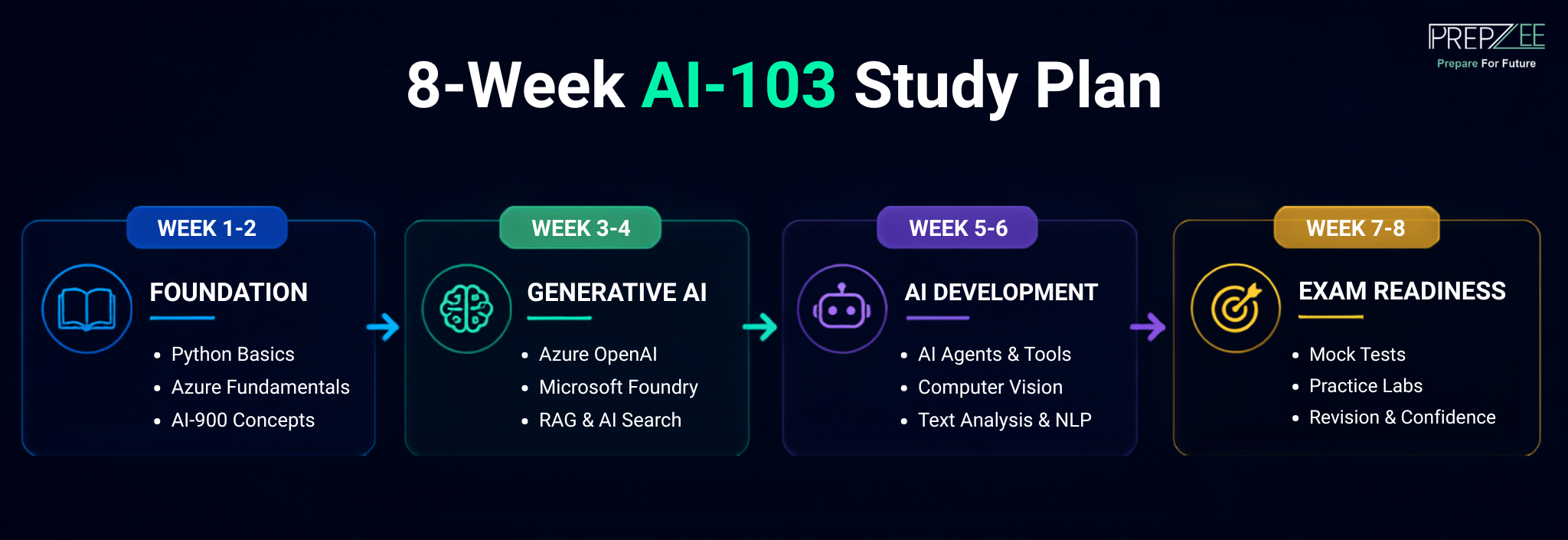
A structured study schedule can help you cover the syllabus without feeling overwhelmed.
| Week | Focus Area |
| Week 1 | Python fundamentals, Azure basics, and AI-900 concepts |
| Week 2 | Generative AI, Prompt Engineering, and Azure OpenAI |
| Week 3 | Microsoft Foundry and AI model deployment |
| Week 4 | Retrieval-Augmented Generation (RAG) and Azure AI Search |
| Week 5 | AI Agents, multi-agent workflows, and tool integration |
| Week 6 | Computer Vision, Text Analysis, and Information Extraction |
| Week 7 | Responsible AI, deployment, governance, and monitoring |
| Week 8 | Mock exams, practice labs, revision, and exam readiness |
The exact timeline will vary depending on your background, but following a structured roadmap helps ensure you cover every exam domain systematically.
Exam Preparation Tips
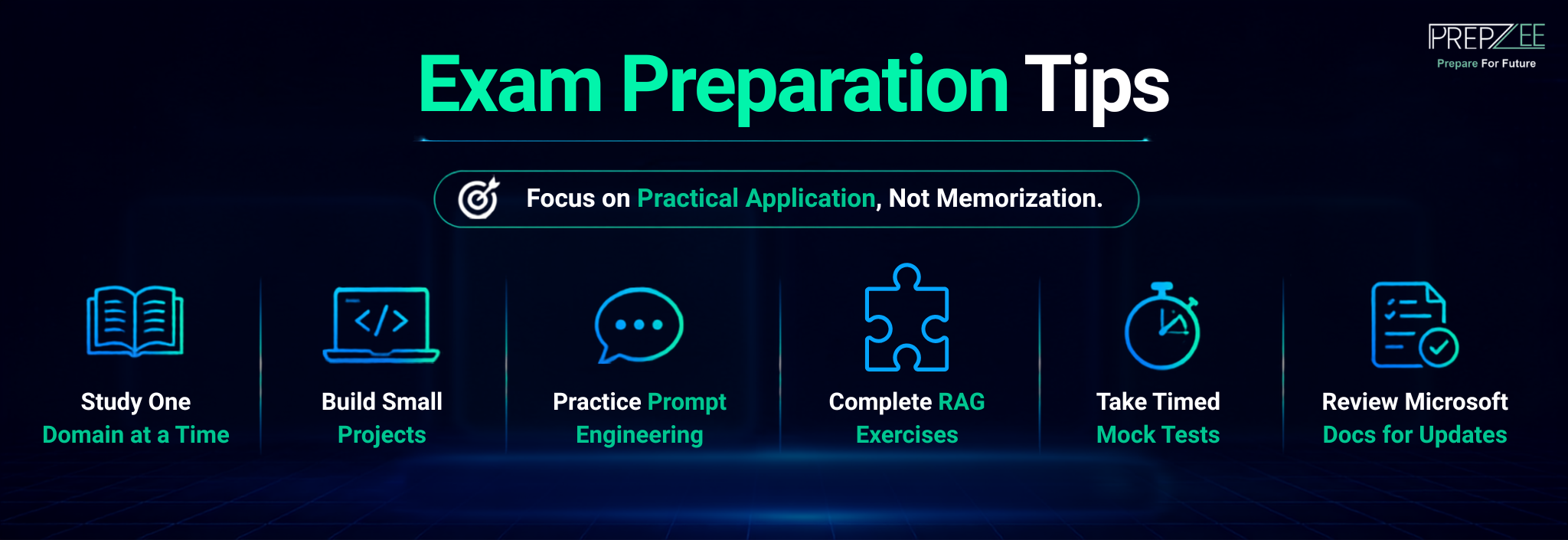
As you approach exam day, focus on practical application rather than memorization.
Some proven preparation strategies include:
- Study one exam domain at a time.
- Build small projects after each module.
- Practice Prompt Engineering with different LLMs.
- Complete multiple RAG implementation exercises.
- Take timed mock tests to improve exam readiness.
- Review Microsoft’s official documentation for updates to AI-103 objectives.
If you’re preparing with Prepzee, combine certification guides with hands-on labs and practice tests to reinforce your understanding and identify weak areas before scheduling the exam.
Final Thoughts
Preparing for AI-103 isn’t about rushing through the syllabus, it’s about building practical skills that reflect how modern AI applications are developed. By following a structured learning path, starting with Python and Azure fundamentals, progressing through Microsoft Foundry, Generative AI, RAG, AI agents, and ending with deployment and Responsible AI, you’ll gain both the knowledge required for the exam and the confidence to build real-world AI solutions.
If you’re just starting your journey, don’t skip the fundamentals. If you’re already an experienced developer, use this roadmap to identify gaps and focus on hands-on implementation. A structured approach not only improves your chances of passing the AI-103 certification but also prepares you for the growing demand for Azure AI developers.
Continue Your AI-103 Learning Journey
Now that you have a clear roadmap, the next step is putting it into practice.
Explore our AI-103 Certification: Azure AI App & Agent Developer Certification in 2026 – A Quick Guide to understand the exam structure, syllabus, and career opportunities.
If you’re transitioning from Microsoft’s previous certification, read AI-102 vs AI-103: What’s Changed in Microsoft’s Azure AI Certification? to understand the latest exam updates.
Still deciding whether to pursue the certification? Check out Is Microsoft AI-103 Certification Worth It in 2026? Jobs, Salary, ROI & Career Outlook for insights into career growth, salary potential, and return on investment.
By combining structured learning, hands-on practice, and consistent revision, you’ll be well prepared to earn your AI-103 certification and build production-ready Azure AI applications with confidence.
Frequently Asked Questions
FAQ
Yes, but AI-900 is highly recommended for beginners because it introduces Azure AI concepts that make AI-103 easier to understand.
Yes. Microsoft expects candidates to have working knowledge of Python and experience developing AI applications using Azure AI services.
For most learners, 60-80 hours of focused study is sufficient. Beginners may require additional time to build Python and Azure fundamentals before moving into AI-103 topics.
Microsoft Learn is an excellent place to build a strong understanding of AI-103 concepts and Azure AI services. However, passing the certification exam requires more than theoretical knowledge. To prepare effectively, combine Microsoft Learn with hands-on labs, real-world projects, mock tests, and practical exercises. Building applications using Microsoft Foundry, Azure OpenAI, AI agents, and Retrieval-Augmented Generation (RAG) will strengthen your practical skills and improve your confidence for the AI-103 exam.
Siddharth Sharma