


Top 10 Real-World Projects After AI-103 Certification in 2026

Table of content
- What Makes an AI-103 Project Portfolio-Ready?
- Quick Comparison: Top AI-103 Project Ideas
- 1. Enterprise Knowledge Copilot
- 2. AI Customer Support Triage Agent
- 3. Intelligent Invoice Exception Processor
- 4. Contract Risk Review Assistant
- 5. Visual Quality Inspection Application
- 6. Voice-of-Customer Intelligence Dashboard
- 7. Meeting-to-Action AI Agent
- 8. IT Incident Resolution Copilot
- 9. AI Safety and Evaluation Dashboard
- 10. Multi-Agent Procurement Workflow
- Which Projects Should You Build First?
- How to Present AI-103 Projects in Your Portfolio
- Final Takeaway
- FAQ
Completing Microsoft AI-103 can validate your understanding of modern Azure AI development, but employers will still want evidence that you can apply those skills to real problems.
That is where portfolio projects become important.
Instead of building another basic chatbot or copying tutorial repositories, focus on projects that demonstrate business context, data integration, security, evaluation, deployment, and measurable outcomes.
If you are still preparing for the certification, start with Prepzee’s AI-103 learning path. If you have already completed your preparation, the projects below can help turn your technical knowledge into practical portfolio evidence.
What Makes an AI-103 Project Portfolio-Ready?
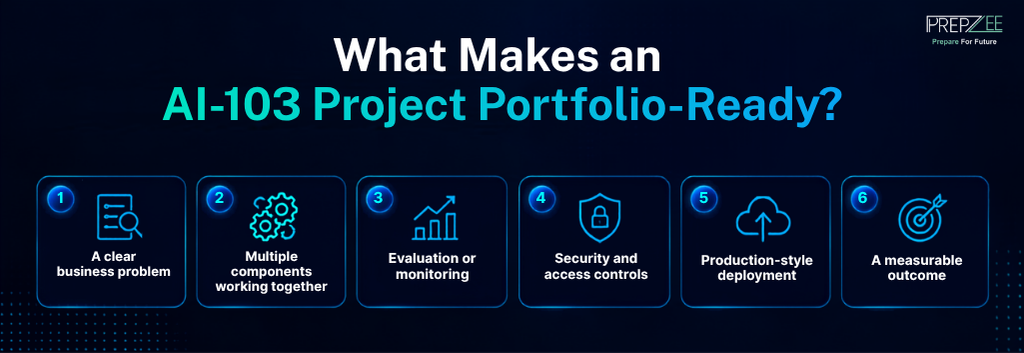
A good project should show more than whether an AI API works.
Try to demonstrate:
- A clear business problem
- Multiple components working together
- Evaluation or monitoring
- Security and access controls
- Production-style deployment
- A measurable outcome
For example, “built a RAG chatbot” is fairly generic.
“Built an internal policy assistant that retrieves approved documents, provides source citations, restricts access by department, and measures unsupported responses” demonstrates much stronger engineering thinking.
Quick Comparison: Top AI-103 Project Ideas
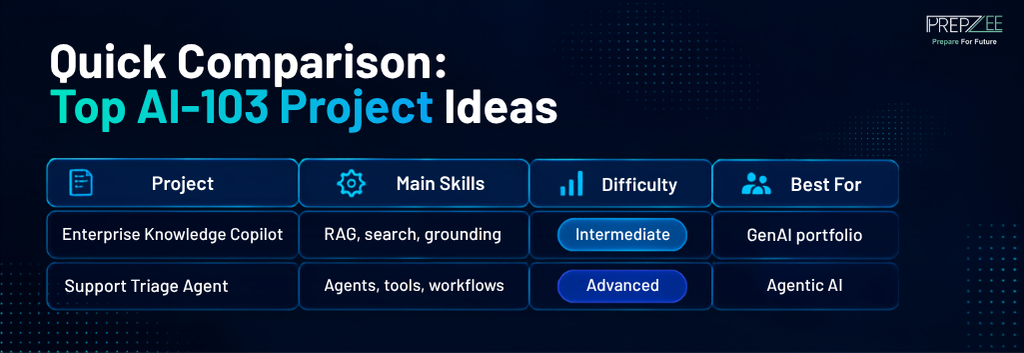
| Project | Main Skills | Difficulty | Best For |
| Enterprise Knowledge Copilot | RAG, search, grounding | Intermediate | GenAI portfolio |
| Support Triage Agent | Agents, tools, workflows | Advanced | Agentic AI |
| Invoice Processor | Document AI, validation | Intermediate | Automation |
| Contract Review Assistant | Extraction, RAG | Intermediate | Document AI |
| Quality Inspection App | Vision, multimodal AI | Intermediate | Computer vision |
| Customer Intelligence Dashboard | NLP, summarization | Beginner–Intermediate | Text analytics |
| Meeting-to-Action Agent | Agents, tool calling | Intermediate | Workflow automation |
| IT Incident Copilot | RAG, troubleshooting | Advanced | Enterprise AI |
| AI Evaluation Dashboard | Evaluation, observability | Advanced | Production AI |
| Procurement Multi-Agent System | Multi-agent orchestration | Advanced | Advanced GenAI |
1. Enterprise Knowledge Copilot
Build an internal assistant that answers employee questions using approved company documents.
Use document ingestion, embeddings, Azure AI Search, retrieval, grounded responses, and source citations.
Add role-based access so users retrieve only the documents they are permitted to view.
What it demonstrates: RAG architecture, enterprise search, access control, grounding, and hallucination reduction.
To make the project stronger, build a small evaluation dataset and measure how often the system retrieves the correct supporting documents.
2. AI Customer Support Triage Agent
Create an agent that receives customer requests and determines the next action.
It could:
- Classify the problem
- Assign urgency
- Search support documentation
- Retrieve account information
- Draft a response
- Escalate difficult cases
The important part is creating a controlled workflow instead of simply generating text.
What it demonstrates: AI agents, tool calling, structured outputs, RAG, and human-in-the-loop workflows.
3. Intelligent Invoice Exception Processor
Build a system that extracts information from invoices and compares it to purchase order records.
Extract fields such as supplier name, invoice number, tax, amount, and payment date.
A practical workflow could be:
Invoice → extraction → validation → business-rule check → exception queue → approval
What it demonstrates: Document Intelligence, structured extraction, validation, workflow automation, and exception handling.
4. Contract Risk Review Assistant
Create an application that identifies specific contract clauses and highlights areas requiring human review.
Instead of asking an LLM to generally “review a contract,” define structured fields such as:
- Termination terms
- Renewal period
- Payment obligations
- Liability clauses
- Missing required clauses
Every finding should link back to the relevant contract passage.
What it demonstrates: long-document processing, grounded AI, structured extraction, and responsible human review.
5. Visual Quality Inspection Application
Build a multimodal application for a manufacturing-style use case.
Users can upload product or equipment images, while the system identifies visible abnormalities, generates observations, and routes uncertain results for manual inspection.
Include an inspection history and human confirmation step.
What it demonstrates: computer vision, multimodal AI, structured output, and human validation.
This also gives your portfolio more variety instead of making every project text-based.
6. Voice-of-Customer Intelligence Dashboard
Build a system that analyzes customer surveys, reviews, support tickets, or feedback.
The pipeline could:
- Detect language
- Analyze sentiment
- Identify recurring themes
- Extract entities
- Summarize frequent complaints
- Display trends on a dashboard
Users should also be able to view the original comments behind generated summaries.
What it demonstrates: NLP, classification, summarization, multilingual processing, and data pipelines.
7. Meeting-to-Action AI Agent
Create an AI workflow that converts meeting transcripts into:
- Decisions
- Tasks
- Owners
- Deadlines
- Unresolved questions
The system could prepare actions for a project-management tool, but a user should approve them before anything is submitted.
What it demonstrates: structured extraction, agents, tool integration, approval controls, and workflow automation.
8. IT Incident Resolution Copilot
Build an assistant for internal IT teams.
When an incident is reported, the system can retrieve similar previous incidents, search troubleshooting documentation, summarize likely causes, and suggest the next diagnostic step.
You can also track whether the proposed solution resolved the incident and use that feedback for later evaluation.
What it demonstrates: enterprise RAG, tool usage, troubleshooting workflows, retrieval evaluation, and feedback loops.
For learners interested in how these portfolio skills connect with employment, Prepzee’s AI-103 job opportunities guide explains how practical AI experience can complement certification when pursuing AI engineering roles.
9. AI Safety and Evaluation Dashboard
Most portfolio projects demonstrate what happens when AI works. This project focuses on measuring when it fails.
Create a dashboard that evaluates an AI application against a fixed test dataset.
Track:
- Grounded responses
- Unsupported answers
- Retrieval accuracy
- Latency
- Token usage
- Cost per request
- Safety flags
- Failed tool calls
Then compare two prompts, retrieval methods, or model configurations using the same test cases.
What it demonstrates: AI evaluation, observability, reliability, cost awareness, and responsible AI.
10. Multi-Agent Procurement Workflow
For a more advanced project, create a controlled procurement workflow with multiple specialized agents.
Different agents could manage:
- Requirements analysis
- Supplier-document retrieval
- Product comparison
- Risk identification
- Recommendation preparation
The final recommendation should still require human approval.
Give each agent only the tools and permissions it actually needs.
What it demonstrates: multi-agent orchestration, tool permissions, enterprise retrieval, governance, and workflow design.
Which Projects Should You Build First?
You do not need to complete all ten.
Three well-developed projects with different strengths can create a stronger portfolio than ten unfinished demos.
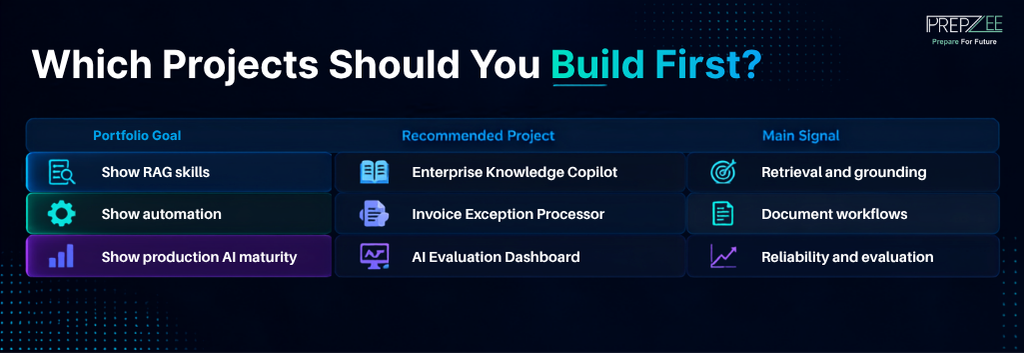
| Portfolio Goal | Recommended Project | Main Signal |
| Show RAG skills | Enterprise Knowledge Copilot | Retrieval and grounding |
| Show automation | Invoice Exception Processor | Document workflows |
| Show production AI maturity | AI Evaluation Dashboard | Reliability and evaluation |
| Show advanced GenAI | Multi-Agent Procurement Workflow | Agent orchestration |
A balanced starting portfolio would be:
- Enterprise Knowledge Copilot
- Invoice Exception Processor
- AI Safety and Evaluation Dashboard
Advanced learners can replace the third with the Multi-Agent Procurement Workflow.
If you need to revisit the exam capabilities before choosing a project, use Prepzee’s AI-103 Certification Guide rather than trying to include every certification objective in one application.
How to Present AI-103 Projects in Your Portfolio
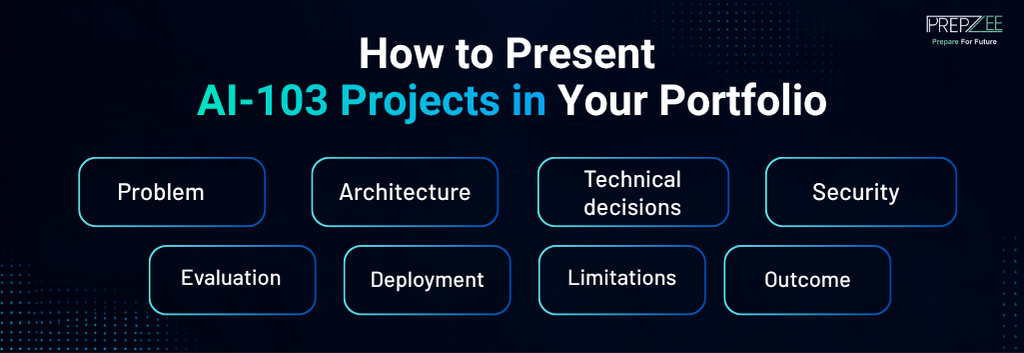
For every major project, document:
Problem: What business issue does it address?
Architecture: Which components communicate with each other?
Technical decisions: Why did you choose RAG, agents, or a particular workflow?
Security: How are permissions, authentication, and sensitive information handled?
Evaluation: How do you measure whether the application works correctly?
Deployment: Where does it run and how is it monitored?
Limitations: Where can the system fail?
Outcome: What business metric would indicate success?
A project with clear documentation is much easier to discuss during interviews than a GitHub repository containing only code.
If you are evaluating the broader career value of the credential itself, Prepzee’s guide on whether AI-103 certification is worth it covers that separately.
Final Takeaway
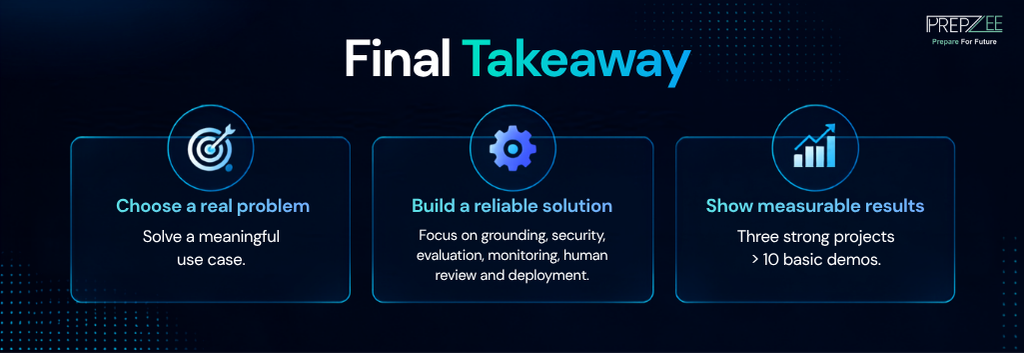
The strongest project after AI-103 is not necessarily the one using the largest number of Azure services.
Choose a clear problem and show that you can build a reliable solution around it.
Focus on grounding, security, evaluation, monitoring, human review, deployment, and measurable outcomes.
Three projects built to that standard can provide much stronger evidence of practical AI engineering ability than a long portfolio of basic tutorial applications.
Frequently Asked Questions
FAQ
Useful projects include enterprise RAG applications, AI agents, document-processing systems, multimodal applications, evaluation dashboards, and workflow automation tools. Focus on business problems rather than simple API demonstrations.
Three strong projects are usually enough if each demonstrates different capabilities and includes architecture, deployment, evaluation, and clear documentation.
A basic chatbot is unlikely to stand out. Add grounding, enterprise data, authentication, source citations, evaluation, monitoring, or tool integrations to demonstrate deeper engineering ability.
A Voice-of-Customer Dashboard or basic Enterprise Knowledge Copilot can be good starting projects because they introduce practical AI workflows without requiring complex multi-agent architecture.
Enterprise Knowledge Copilots, support agents, and multi-agent workflow projects are particularly relevant because they demonstrate RAG, LLM integration, agents, tool calling, and enterprise use cases.
Yes, whenever possible. Cloud deployment, logging, authentication, monitoring, and security make a project more representative of real production work.
Yes. Include a clear README covering the problem, architecture, setup, technologies, evaluation approach, limitations, and important design decisions.
They can strengthen your profile by demonstrating that you can apply AI concepts to practical problems. Certification validates learning, while projects provide evidence of implementation and problem-solving ability.
Siddharth Sharma